
Use Keating on your device
Start in the browser, find a published download for your device, or install the terminal app.
On this page
Start with the browser
Open Keating in your browser to use the learning workspace without installing an app. This is also the way to begin when a native installer is not offered for your device.
Opening the website still requires a connection. Using a browser model for local generation is a separate setup step; visiting the site does not install an offline tutor.
Choose a published download
Open the download page and check the selected platform. Choose the processor architecture and package format when the page asks for them. On macOS, the choices are Apple Silicon and Intel; other platforms may offer ARM64 and x64.
Read the download's type as well as its platform. A Terminal archive opens a command-line learning environment. An app installer is a different package. Follow the link displayed for your combination rather than changing an installer URL yourself.
If the page says Not published yet, use the browser app. Availability can differ by platform, architecture, and release.
Install a terminal archive
The macOS and Linux terminal .tar.gz downloads contain Keating's terminal app and its runtime. Extract the archive, open a terminal inside the extracted folder, and run the installer. Run setup to choose your provider and model, then open the terminal interface.
./install.sh
keating setup
keating tui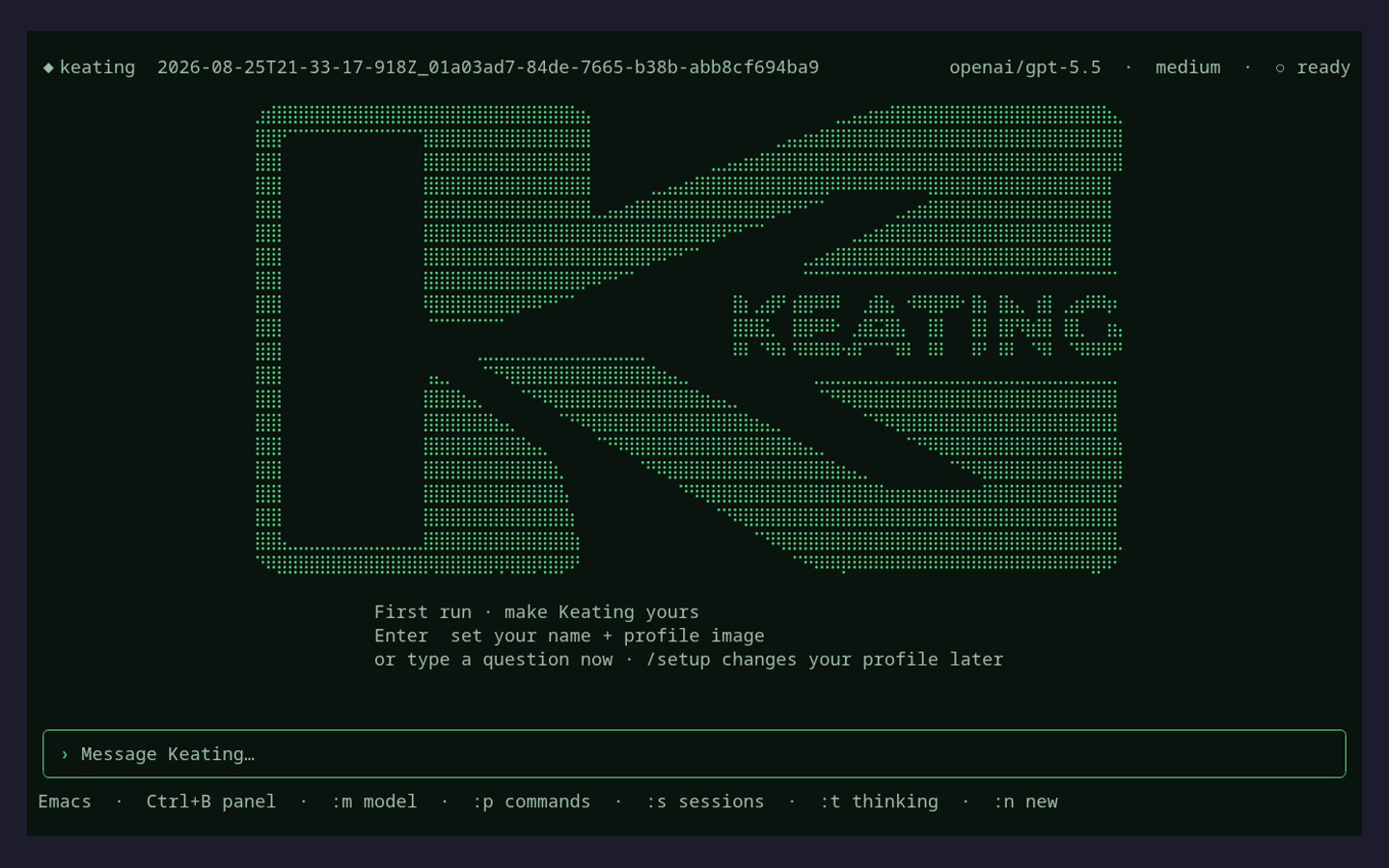
Install the terminal app with Bun
If Bun is already installed, you can install the Keating package globally. Run setup to choose your provider and model, then use doctor to check the local setup before opening the terminal interface.
bun add -g keating
keating setup
keating doctor
keating tuiReconnect models and bring your lessons
A new installation has its own local storage. Connect the provider or account you plan to use. Before changing browsers or removing an old installation, export the lessons you want to keep.
For supported native apps, the offline tutor is an additional model download. Check for Offline tutor in the installed app and follow that guide. An ordinary installer does not include the tutor's model weights. A separate full offline edition is available only if a release explicitly offers it.